Ease of use
Control the timer from any app with keyboard shortcuts
Switching apps to pause a timer costs more than the pause. You leave your editor, find the timer window, click, and now you are wondering what you were doing. Global keyboard shortcuts remove the trip.
Pause, resume, and reset from anywhere
Super Easy Timer’s global shortcuts work from any app. Deep in your editor, mid-email, presenting: press the shortcut and the timer pauses, resumes, or resets. You never leave what you are doing.
Made for hands that stay on the keyboard
The whole app works this way. Type “25 min” to start, “Add 5 min” or “+5m” to adjust without restarting, and shortcuts for the controls. The mouse is optional.
Presentation-safe controls
Shortcuts matter most when clicking is not an option. While your slides are up, the timer stays pinned above the presentation and responds to shortcuts without touching the slideshow. Pause for the unexpected question, resume when you are back on script.
Pairs with every placement
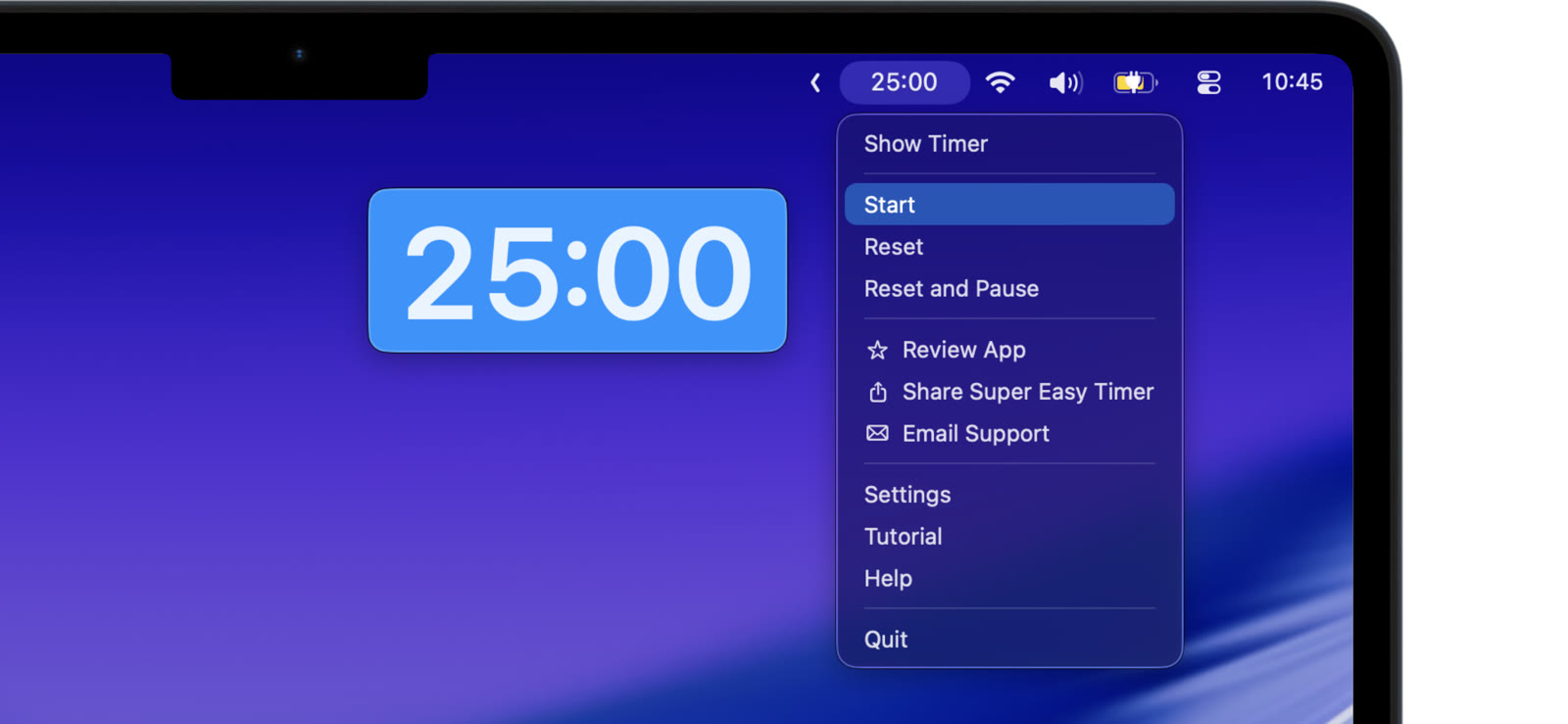
Menu bar, floating, mini, full screen: the shortcuts work the same wherever the timer lives. Keep it small in the corner and run it entirely from the keyboard.
Set the shortcuts once. After a day they are muscle memory, and the timer stops being a window you manage.