
Always-on-top utilities
A floating timer for Mac that stays in view
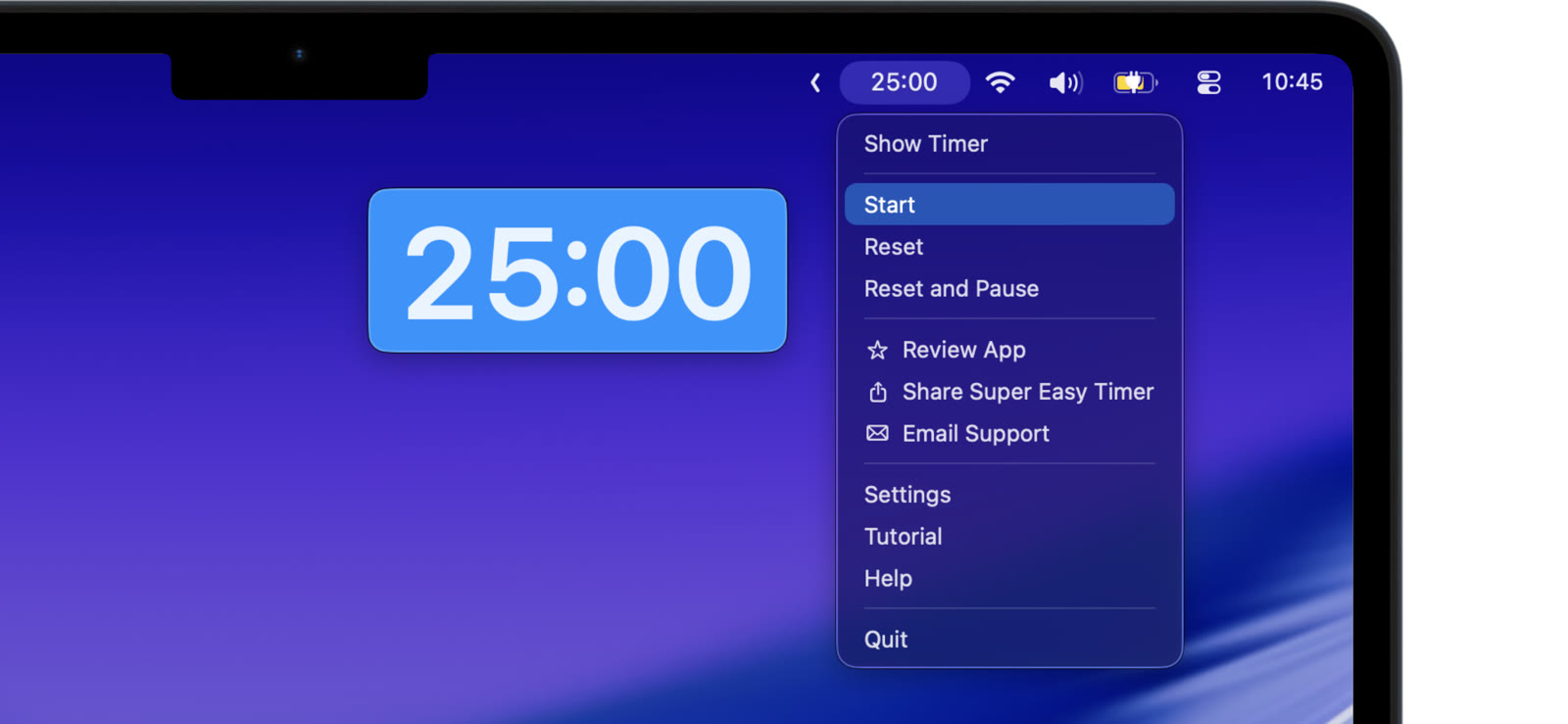
A timer only helps if you can see it. Super Easy Timer floats above your work, so the countdown stays in view while you do everything else.
Float it above your windows
Turn on the floating mode and the timer sits above your other windows. It stays put while you type, click, and switch apps. Drag it wherever it fits best.
Keep it small or make it big
Shrink the timer into a small floating window in the corner. Make it large when you want to read it from across the room. Either way, it stays on top.
Never lose it
Edge guides and snap-back keep the floating timer from drifting off screen. It stays where you can find it, every time.
Try the free web timer first. Floating above your other apps is what the Mac app adds.