Ease of use
Start a timer by typing: 5 min, 25, or 5pm
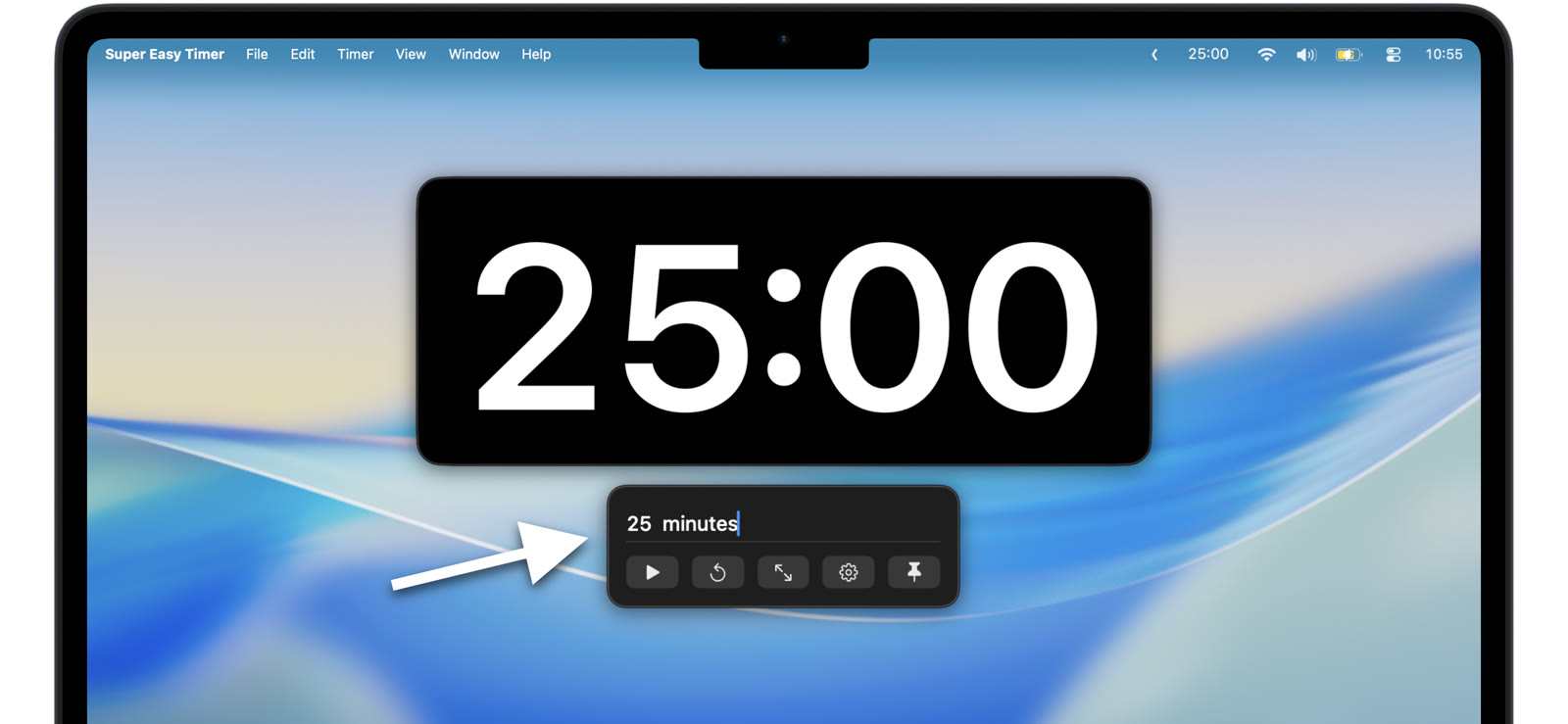
Most timers make you spin a dial or tap a keypad. Super Easy Timer lets you type what you mean and press Return.
Type a duration
Type the time the way you would say it:
- “5 min”
- “20 minutes”
- “2h 30m”
- “25” means 25 minutes
A bare number is read as minutes, so “25” starts a 25 minute timer.
Count down to a clock time
Add am or pm to count down to a time of day:
- “5pm”
- “2:15am”
The am or pm tells the timer you mean a clock time, not a duration.
One field, no setup
There are no screens to dig through. Type, press Return, and the timer starts.