Ease of use
Count down to a time: type "5pm"
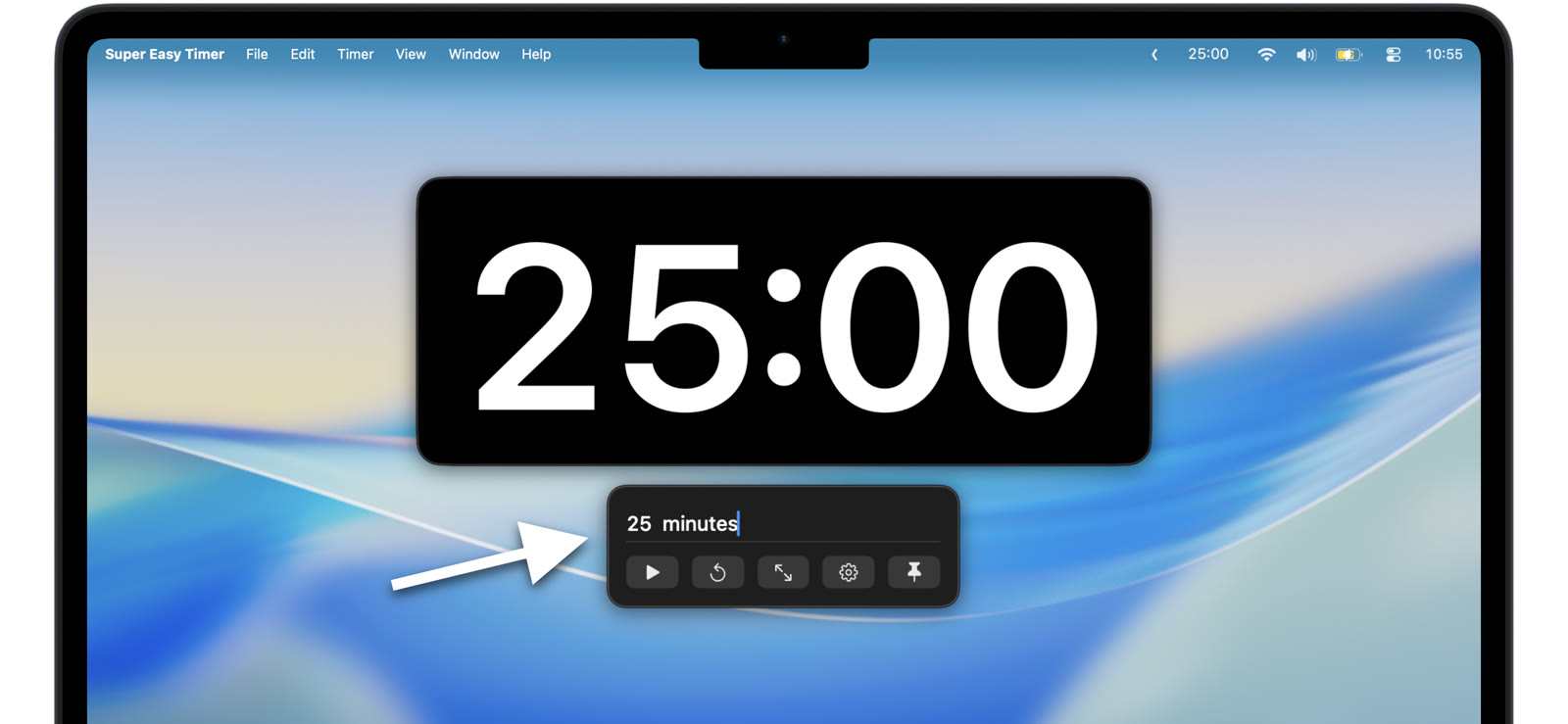
Half the countdowns in a day are not durations. They are deadlines. The call at 2:30. The oven at 6. The end of the workday. Instead of computing “how many minutes until then,” type the time itself.
Type the clock time
Type “5pm” and press Return. The timer calculates the gap and counts down to five o’clock. “2:15pm”, “10:30am”, “9pm”: any clock time works. The am or pm tells the timer you mean a time of day, not a duration.
No mental math
It is 1:47 and the meeting is at 3:15. That is… some number of minutes. You do not care, and you do not have to. The timer does the subtraction and shows the answer counting down.
Watch the deadline approach
Keep the countdown pinned above your work or in the menu bar, and the time-until-deadline is always one glance away. Counting down to a hard stop in a meeting? Put it on the shared screen so everyone sees the runway.
Durations still work
The same field takes both forms. “45 min” when you care about the length, “5pm” when you care about the moment. Type what you mean and the timer figures out which one it is.
Type “5pm” into the free web timer right now. The Mac app adds the pinned modes so the deadline stays in view.
Deadlines are clock times. Now your countdown speaks that language too.