Always-on-top utilities
Put a countdown timer in your Mac menu bar
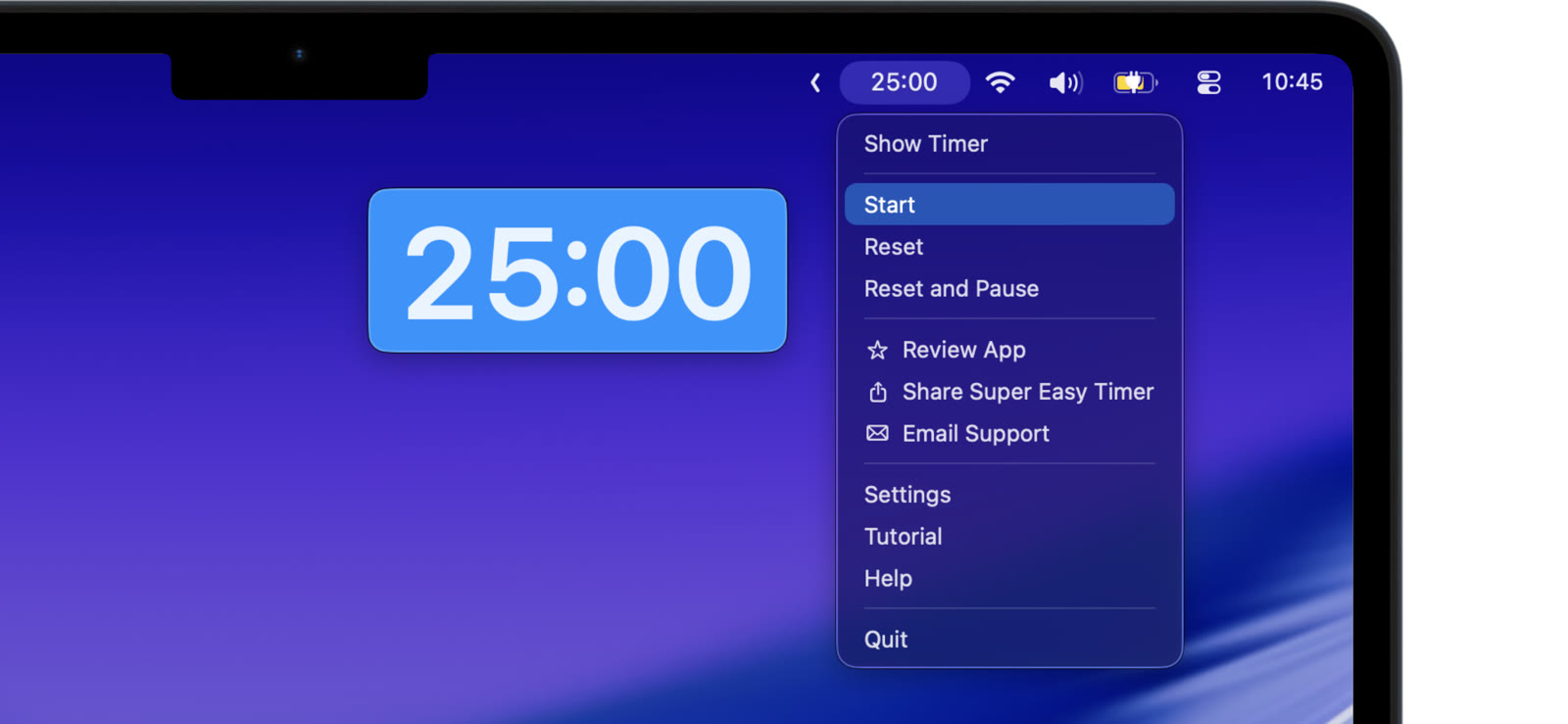
When you want the time out of the way but still visible, put it in the menu bar. Super Easy Timer keeps the countdown at the top of your screen, next to the clock.
The countdown sits at the top
Switch to the menu bar mode and the running time shows in the menu bar. Glance up to check it. No window to manage, no space taken on your desktop.
Control it from the menu
Click the menu bar timer to start, reset, or open settings. Start and pause without opening anything else.
Use shortcuts from any app
Global keyboard shortcuts let you start, pause, and reset the timer without leaving what you are doing. The menu bar keeps the time in sight the whole time.