Meetings
Keep meetings on time with a visible countdown
Meetings do not run long because people are careless. They run long because nobody can see the time. Put a countdown in the room and the meeting starts policing itself.
Time-box the agenda
Give each agenda item a number: “10 min” for the update, “20” for the decision, “5” for wrap-up. Type the next item’s time as you move through the agenda. Starting the next box takes one line of typing.
Make the clock public
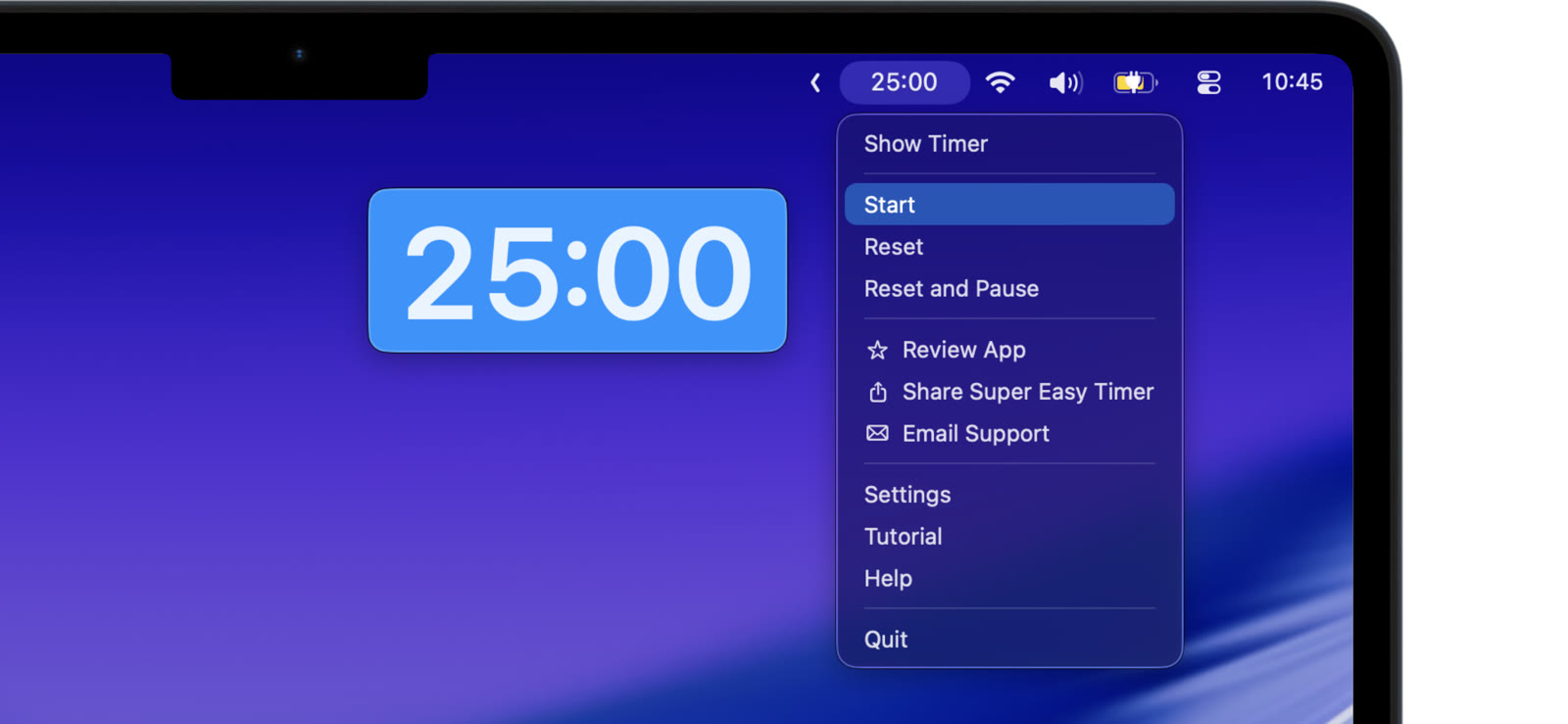
A timer only changes behavior if everyone can see it. Show it large on the room display, take it full screen between slides, or keep it pinned above the shared screen. In a standup, the countdown behind the speaker does the moderating for you.
Count down to the hard stop
Meeting ends at 3pm? Type “3pm” and the timer counts down to the clock time. Everyone can see the runway shrinking, which is remarkably good for reaching decisions.
Make overtime visible
Turn on count up after zero and the timer keeps counting past the end. The overtime number climbing on screen ends the meeting without anyone having to say it is over.
Try the free web timer in your next meeting. The Mac app adds count up, the pinned modes, and full screen for the room.
No meeting-management platform, no integrations, no bot in the calendar. One readable countdown, and suddenly the agenda means something.