Focus / productivity
A study timer that stays out of your way
Study apps keep inventing new things to manage: streaks, forests, leaderboards, virtual study rooms. The actual requirement is smaller. Decide how long to study, see the time while you work, and notice when it ends.
Type the session and start
“45 min” for a reading block. “25” for a Pomodoro-length sprint. “2h” for a long review session with breaks. Type it, press Return, study.
Small enough to ignore, visible enough to work
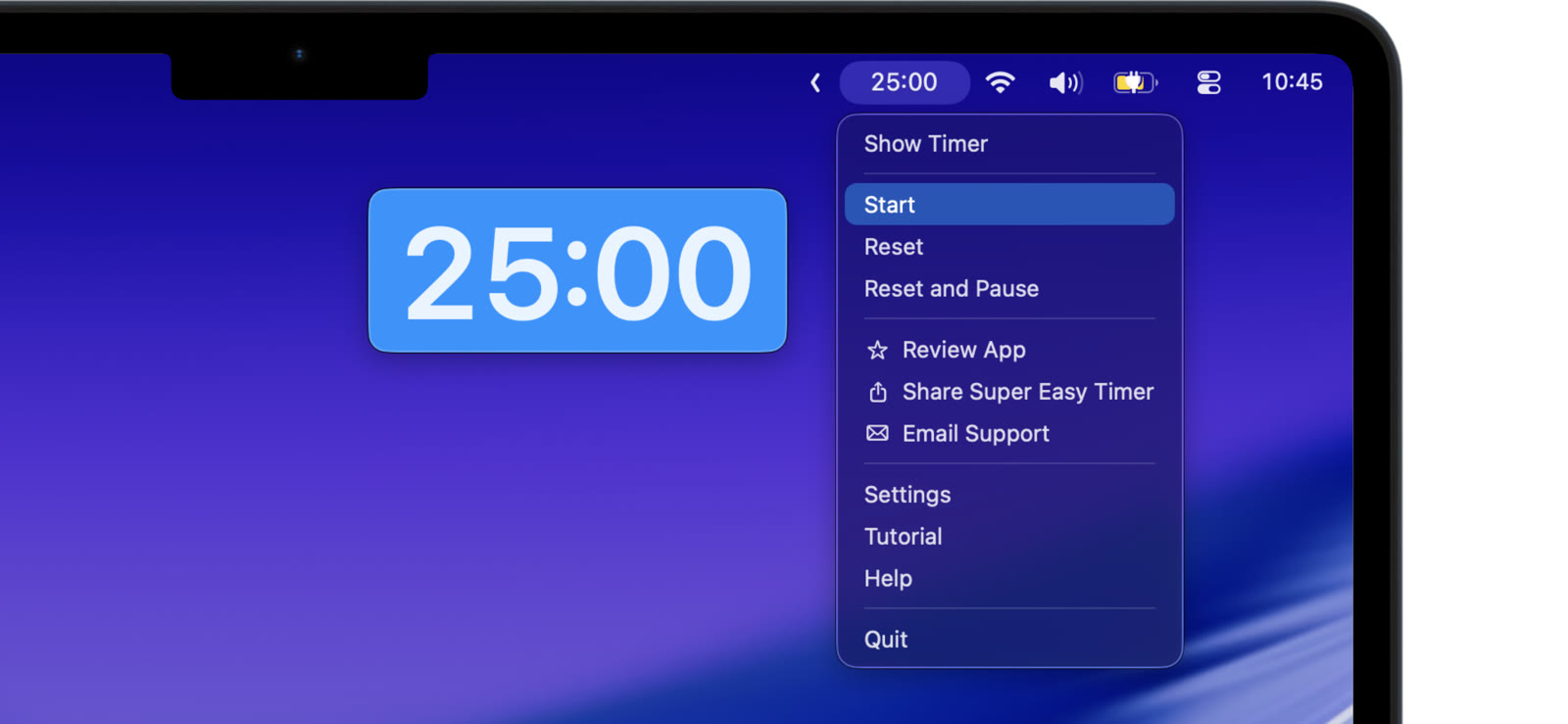
Shrink the timer into a corner with Mini Mode, pin it above your notes and browser, or keep it in the menu bar. It sits in your peripheral vision, which is exactly where a study timer belongs.
Breaks that start themselves
Turn on repeat with a delay: study block, break, study block. The next session starts without negotiation, which is the point. For classic Pomodoro sessions, type “pomodoro” and use Pomodoro mode.
See where the time went
Turn on count up after zero to see how far past the block you kept going, or type “stopwatch” to measure an open-ended review session.
Try a “45 min” session in the free web timer. The Mac app adds Mini Mode, repeat, and the always visible modes.
No account, no streak to lose, nothing to feed. The timer does its job so you can do yours.