Focus / productivity
Resize the timer large or small with Mini Mode
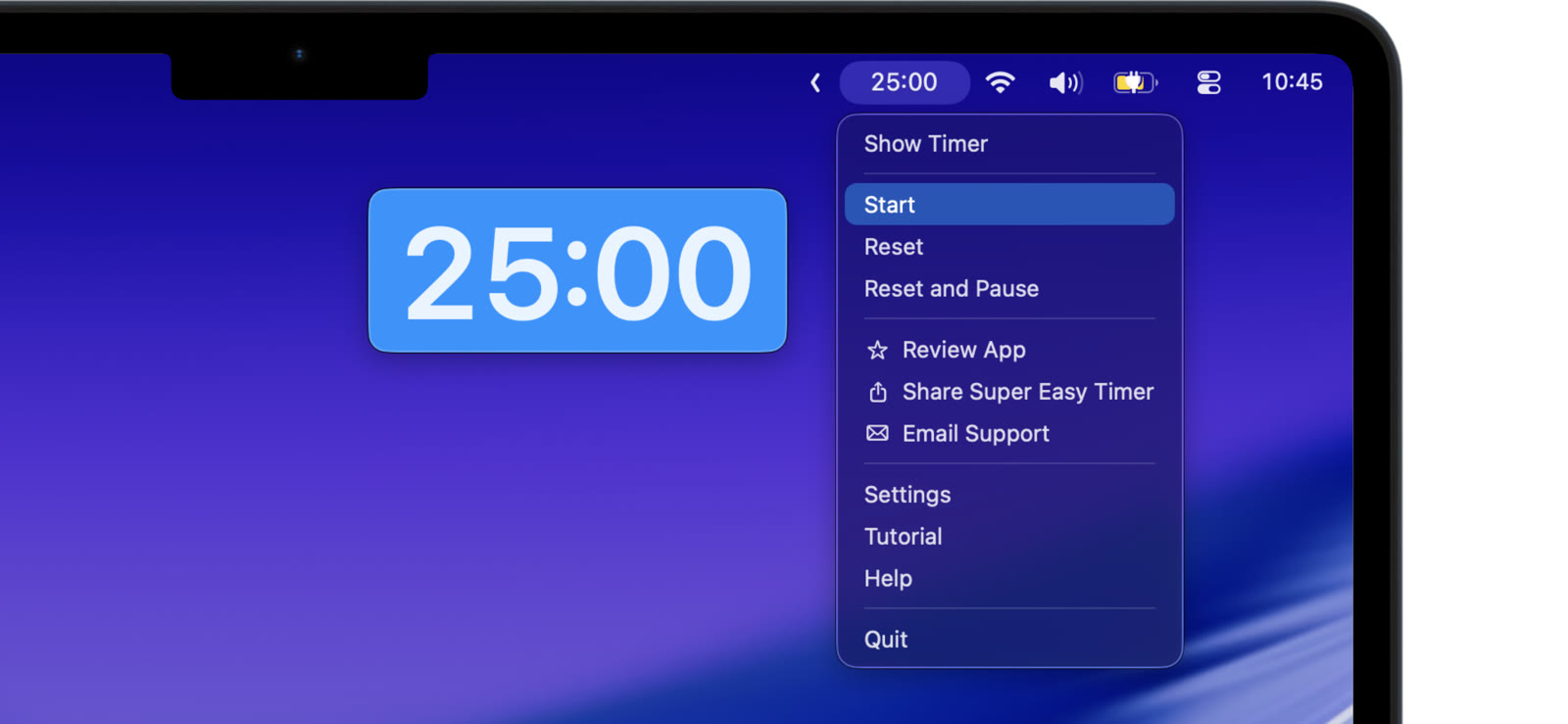
The right size depends on the moment. Super Easy Timer resizes from a tiny corner timer to a full screen countdown.
Make it big
Drag the timer larger when the whole room needs to read it. The digits stay clear and sharp at any size.
Shrink it with Mini Mode
Pull it small and keep it in the corner while you work. Mini Mode gives you a tiny, glanceable timer that does not crowd your screen.
Never lose it
Edge guides and snap-back keep the timer on screen, even when it is small. Drag it near an edge and it settles into place instead of slipping away.