Focus / productivity
A simple interval timer for Mac
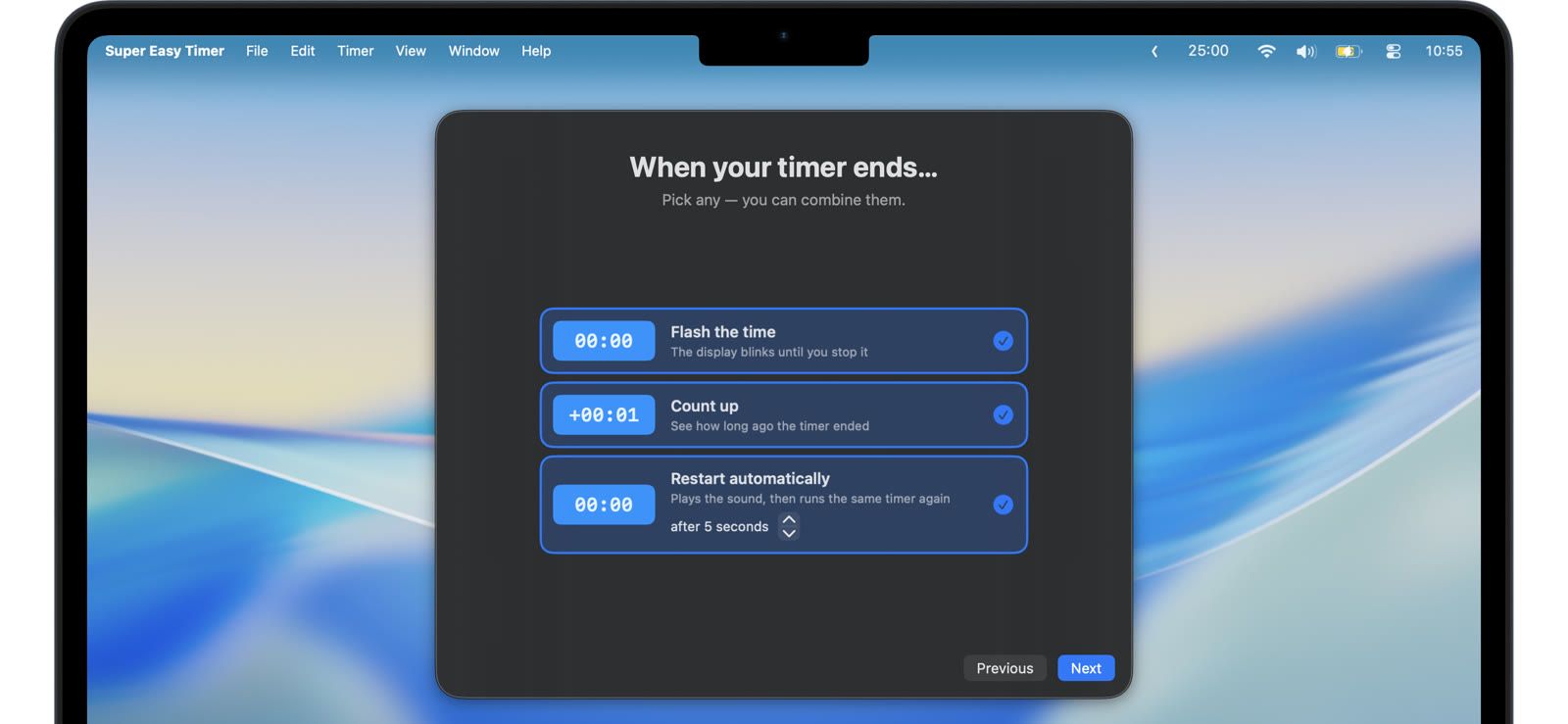
An interval timer is just a countdown that starts itself again. Super Easy Timer does exactly that: set a time, turn on repeat, and the timer loops until you stop it.
Set the interval, turn on repeat
Type the interval: “20 min”, ”45s”, “5”. Turn on repeat and the countdown restarts automatically at zero. Add an optional delay between rounds when the loop needs a gap: rest between sets, a pause between rotations.
Intervals are everywhere
- Posture and eye breaks: a 20 minute loop that reminds you to look away from the screen.
- Practice rotations: “10 min” per station, flashing at each change.
- Kitchen check-ins: stir every 5 minutes without watching the pot.
- Work sprints: repeated focus blocks, or type “pomodoro” for Pomodoro mode.
- Workouts: rounds and rest, or type “tabata” for Tabata mode.
Signals you can trust
Each round can end with a flash and an alarm that repeats until you notice. The interval does its job even when you are not looking at the screen.
Keep the loop in view
Pin the interval timer above your windows or keep it small in a corner. Glance up, see where the round stands, keep going.
No presets to program, no laps to configure. A countdown on a loop covers more than you would think.