Focus / productivity
Track elapsed time while you work
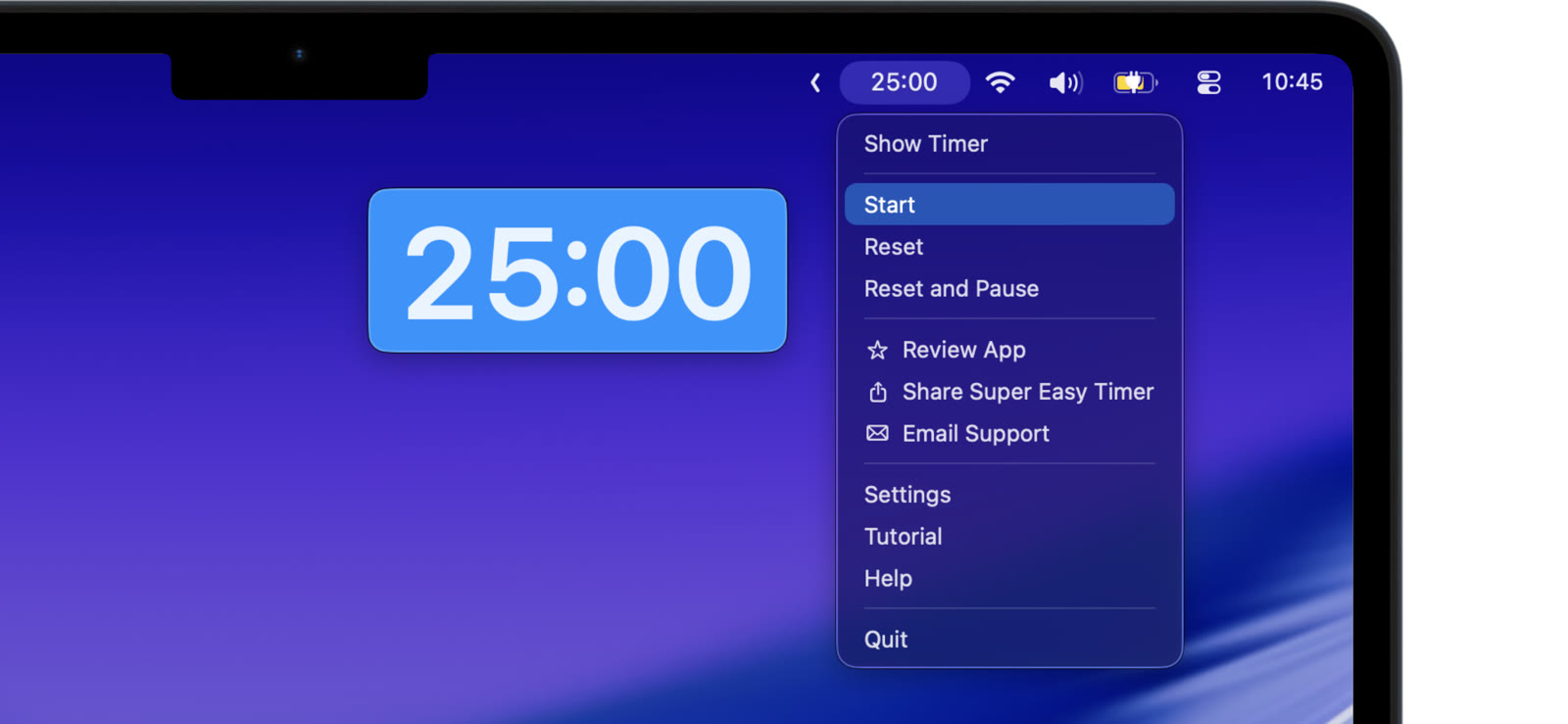
“How long have I been doing this?” is a question your Mac should be able to answer at a glance. Super Easy Timer tracks elapsed time two ways.
Count up from zero
Type “stopwatch” and the timer counts up. Start it when you begin a task and the display shows exactly how long you have been working. Good for billing, timing a call, or finding out how long that “quick fix” really took. More in the stopwatch guide.
Count past zero
Set a countdown and turn on count up after zero. When the countdown ends, the timer keeps going and shows how far over you are. You get a target and a measurement in one run.
Keep it visible or it does not work
Elapsed time only helps if you see it. Pin the timer above your other windows, keep it small in a corner, or put it in the menu bar. The number is there every time you glance up, and no window juggling is required.
Start the clock when you start the work. The answer is on screen when you want it.