Workouts
A workout timer for rounds, rest, and repeat
A workout timer has one job: tell you when to start and when to stop, loudly, while your hands are busy. Super Easy Timer does that from the Mac you already have in the room.
Set a round, let it repeat
Type your work interval: ”45s”, “1 min”, ”90s”. Turn on repeat and add a delay between rounds for rest. The timer runs the whole set on its own. No tapping between exercises.
Or type “tabata”
For classic work and rest intervals, type “tabata” and the timer switches to Tabata mode: work, rest, rounds, done.
Make it loud and large
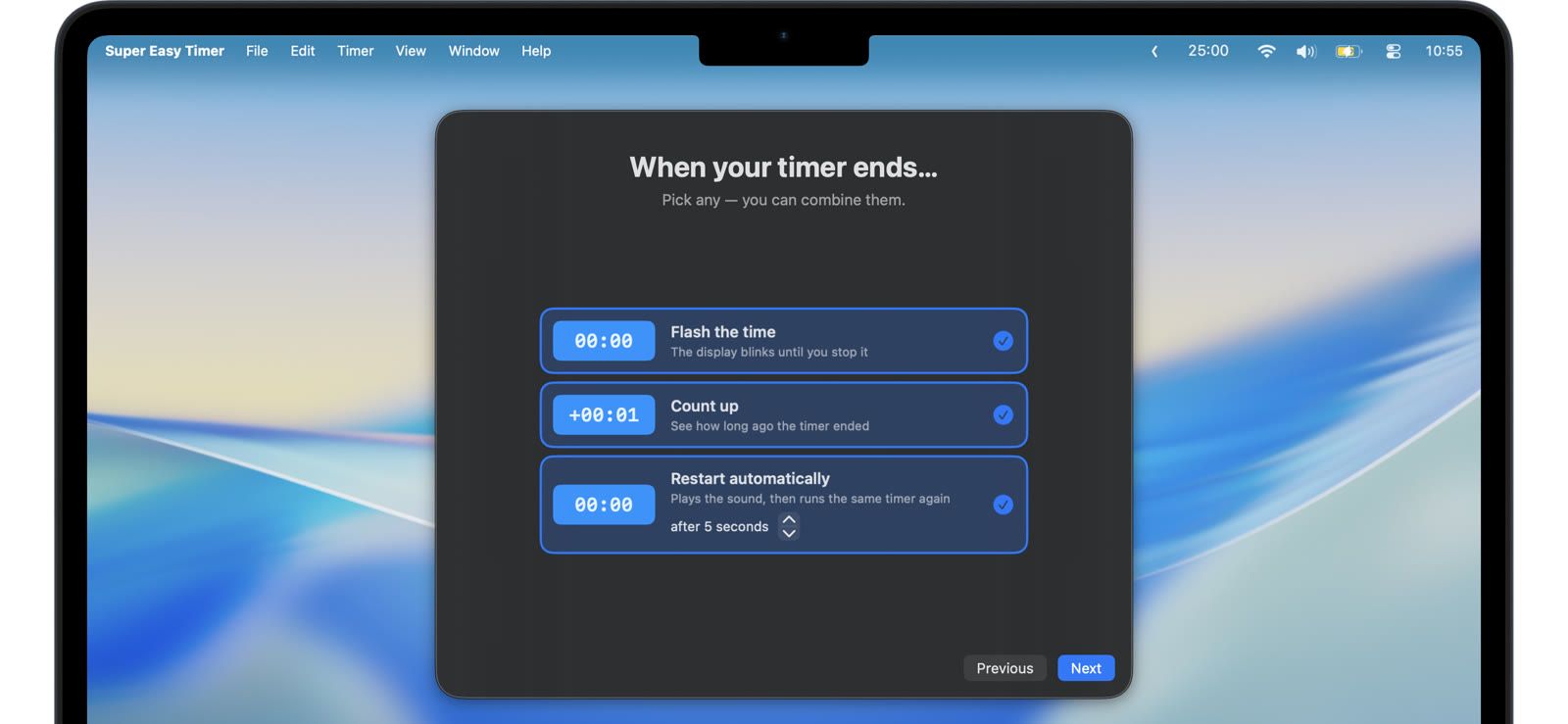
Pick an alarm that repeats until you notice, and turn on the flash so the change of round is visible from across the room. Take the timer full screen or size it up until the digits read from the squat rack.
Stretch, plank, cool down
The same field times everything else in the session. ”30s” for a plank. “5 min” for a cooldown. A bare number is minutes, so “3” gives you a 3 minute rest.
Set the rounds, press start, and get under the bar.